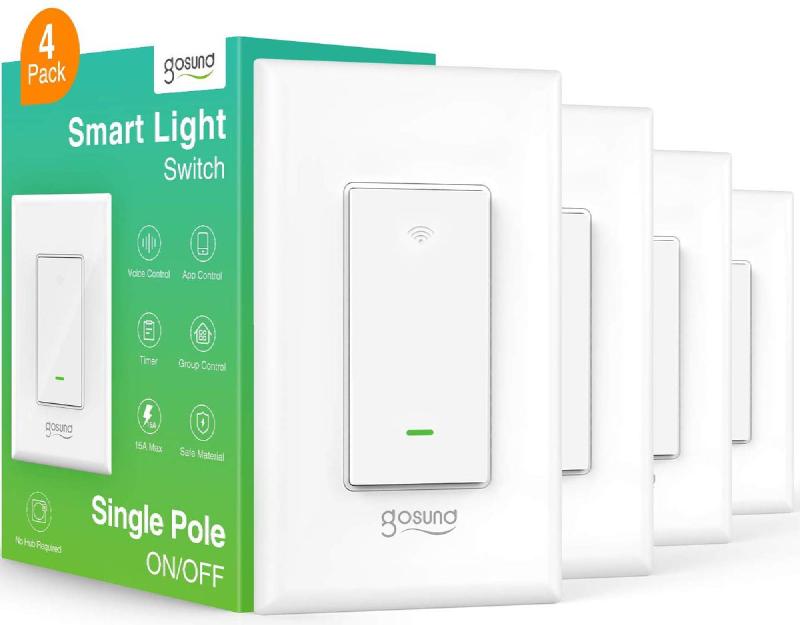
Gosund SW5
Flashing
For older devices, it may be possible to use Tuya Convert to flash For newer devices, use a USB to serial adapter, and solder wires onto the pads marked IO0, TX, RX, 3.3V and GND.
GPIO Pinout
| Pin | Function |
|---|---|
| GPIO0 | Button |
| GPIO2 | State LED (Inverted: true) |
| GPIO14 | Relay |
| GPIO16 | Link LED (inverted: true) |
Basic Configuration
esphome:
  name: gosundsw5
  platform: ESP8266
  board: esp01_1m
# Enable logging
logger:
# Enable Home Assistant API
api:
ota:
wifi:
  ssid: !secret wifi_ssid
  password: !secret wifi_password
  ap:
captive_portal:
status_led:
  pin:
    number: GPIO16
    inverted: true
output:
  - platform: esp8266_pwm
    id: state_led
    pin:
      number: GPIO2
      inverted: true
light:
  - platform: monochromatic
    output: state_led
    id: led
binary_sensor:
  - platform: gpio
    pin:
      number: GPIO00
    id: button1
    on_press:
      then:
        - switch.toggle: relay1
switch:
  - platform: gpio
    pin: GPIO14
    id: relay1
    name: GosundSW5
    icon: "mdi:light-switch"
    on_turn_on:
      - light.turn_on: led
    on_turn_off:
      - light.turn_off: led