LSC smart plug 2578685
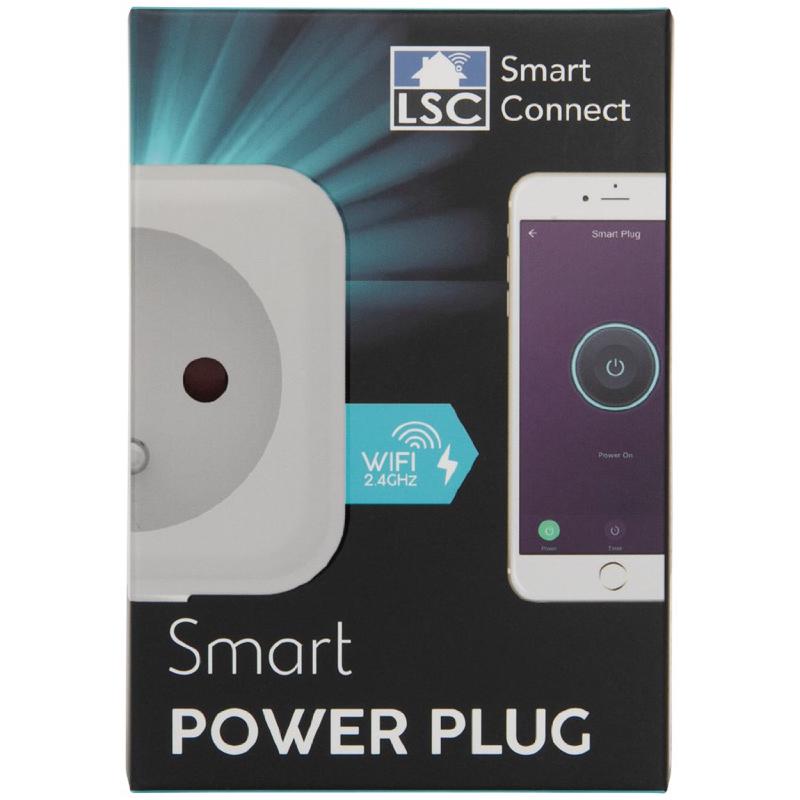
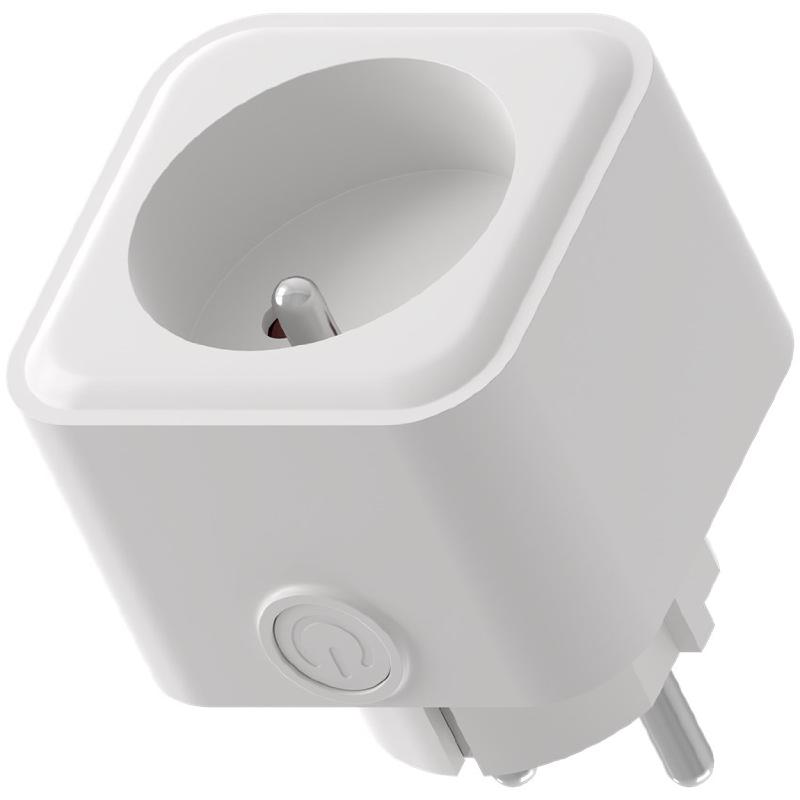
Warning
The latest LSC smart plug 2578685 devices use the Tuya BK7231N module, which is not compatible with ESPHome!
Notice
- This smart plug is flashable using the latest tuya-cloudcutter with a compiled ESPHome binary. I recommend following this Youtube Video.
- There is a version with BK7231N and a version with BK7231T. Both should work but you need to make sure to use the right version. I recommend to use the the configuration gererated by ltchiptool and esphome-kickstart as shown in the video instead of this configuration, because it might change.
- The second configuration is the version that worked for me (Version 1.1.8 in the App and with BK7231N)
Product Images
GPIO Pinout
Pinout for Version with BK7231T
| Pin | Function |
|---|---|
| P7 | Switch button |
| P26 | Blue LED |
| P6 | Red LED |
| P8 | Relay |
| Pinout for Version with BK7231N (Relay and LED Swapped) | |
| Pin | Function |
| — | ————- |
| P7 | Switch button |
| P26 | Blue LED |
| P8 | Red LED |
| P6 | Relay |
Basic configuration
Version for BK7231T:
substitutions:
  name: lsc-switch-01
  friendly_name: lsc-switch-01
esphome:
  name: ${name}
  friendly_name: ${friendly_name}
libretuya:
  board: generic-bk7231t-qfn32-tuya
  framework:
    version: dev
# Enable logging
logger:
# Enable Home Assistant API
api:
  encryption:
    key: !secret api_encryption_key
ota:
  password: !secret ota_password
wifi:
  ssid: !secret wifi_ssid
  password: !secret wifi_password
  # Enable fallback hotspot in case wifi connection fails
  ap:
    ssid: "Lsc-Switch-01 Fallback Hotspot"
    password: ""
#web_server:
#  port: 80
sensor:
  - platform: wifi_signal
    name: "WiFi Signal Sensor"
    update_interval: 60s
  - platform: uptime
    name: Uptime Sensor
    id: uptime_sensor
    update_interval: 60s
    on_raw_value:
      then:
        - text_sensor.template.publish:
            id: uptime_human
            state: !lambda |-
              int seconds = round(id(uptime_sensor).raw_state);
              int days = seconds / (24 * 3600);
              seconds = seconds % (24 * 3600);
              int hours = seconds / 3600;
              seconds = seconds % 3600;
              int minutes = seconds /  60;
              seconds = seconds % 60;
              return (
                (days ? to_string(days) + "d " : "") +
                (hours ? to_string(hours) + "h " : "") +
                (minutes ? to_string(minutes) + "m " : "") +
                (to_string(seconds) + "s")
              ).c_str();
text_sensor:
  - platform: template
    name: Uptime Human Readable
    id: uptime_human
    icon: mdi:clock-start
  - platform: wifi_info
    ip_address:
      name: IP Address
      entity_category: diagnostic
binary_sensor:
  - platform: status
    name: Status
    entity_category: diagnostic
  - platform: gpio
    pin:
      number: P7
      mode:
        input: true
        pullup: true
      inverted: true
    name: "Power Button"
    on_press:
      - switch.toggle: relay
switch:
  - platform: gpio
    # RED
    id: led_1
    pin:
      number: P6
      inverted: false
  - platform: gpio
    # BLUE
    id: led_2
    pin:
      number: P26
      inverted: false
  - platform: gpio
    name: Switch
    pin: P8
    id: relay
    # Turn off red LED to show blue when turned on
    on_turn_on:
      - switch.turn_on: led_2
      - switch.turn_off: led_1
    # Turns on the red LED once the plug is turned off
    on_turn_off:
      - switch.turn_off: led_2
      - switch.turn_on: led_1
button:
  - platform: restart
    id: restart_button
    name: Restart
    entity_category: diagnostic
Version for BK7231N:
esphome:
  name: lsc-plug-1
bk72xx:
  board: generic-bk7231n-qfn32-tuya
logger:
web_server:
captive_portal:
api:
  encryption:
    key: !secret encryption_key
ota:
  password: !secret ota_password_new
wifi:
  ssid: !secret wifi_ssid
  password: !secret wifi_password
  ap:
    ssid: "lsc_plug_1 Hotspot"
    password: "12345678"
text_sensor:
  - platform: libretiny
    version:
      name: LibreTiny Version
status_led:
  pin: P26
binary_sensor:
  - platform: status
    name: lsc-plug-1_status
  - platform: gpio
    pin:
      number: P7
      mode: INPUT_PULLUP
      inverted: true
    name: lsc-plug-1_button
    internal: true
    on_press:
      - switch.toggle: relay
output:
  - platform: gpio
    id: relay_led
    pin: P8
switch:
  - platform: gpio
    id: relay
    name: lsc-plug-1_relay
    pin: P6
    on_turn_on:
      - output.turn_on: relay_led
    on_turn_off:
      - output.turn_off: relay_led