Mirabella Genio Wi-Fi Strip Light
General Notes
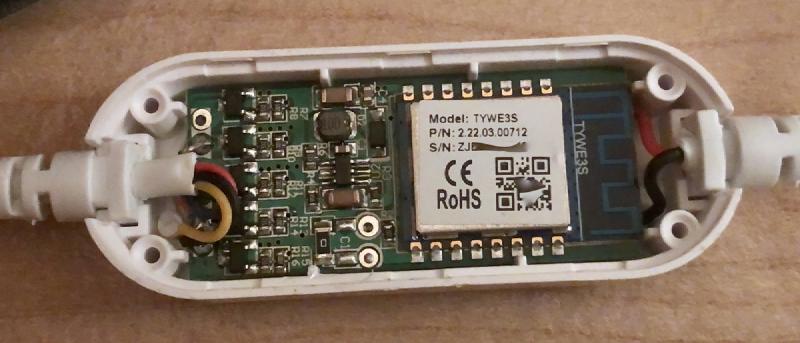
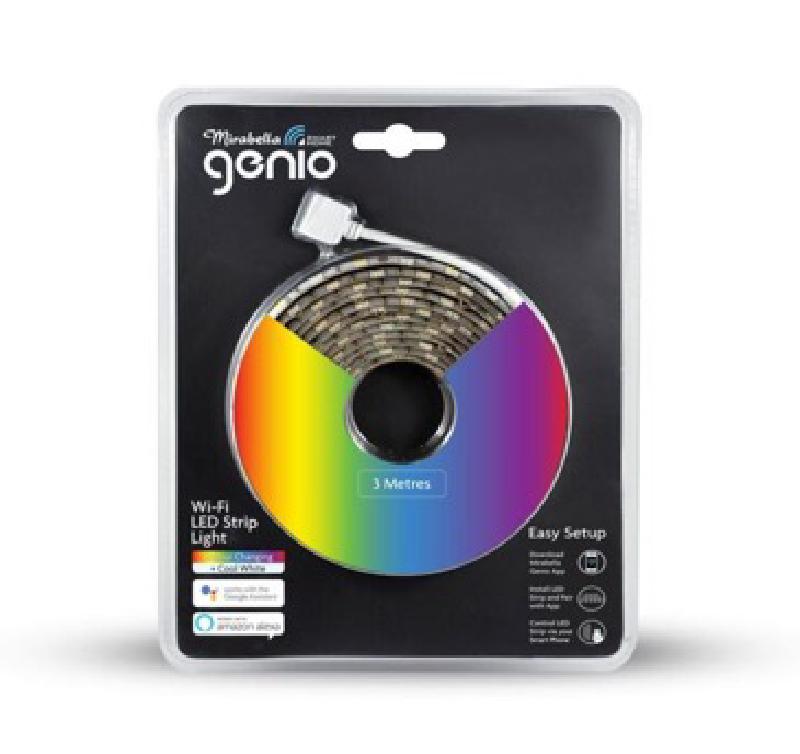
The Mirabella Genio Wi-Fi LED Strip Light features a row of both RGB and cool white LEDs alternating between the two along the strip.
They are sold at Kmart in a 3m version and a 5m version. Inside is a TYWE3S module based on the ESP8266 microcontroller. It is possible to flash older units OTA using tuya-convert and may also work with current ones. If you attempt to flash a current unit OTA, you should update this page specify if it’s still possible or not.
GPIO Pinout
| Pin | Function |
|---|---|
| GPIO0 | Push Button |
| GPIO4 | Light - Red |
| GPIO5 | Light - White |
| GPIO12 | Light - Green |
| GPIO14 | Light - Blue |
Basic Configuration
# Config for Mirabella Genio WiFi LED Strip Light
# https://devices.esphome.io/devices/Mirabella-Genio-WiFi-LED-Strip-Light/
esphome:
  platform: ESP8266
  board: esp01_1m
wifi:
  ssid: !secret wifi_ssid
  password: !secret wifi_password
  ap:
    ssid: "strip_light"
    password: "ap_password"
# Enable logging
logger:
# Enable Home Assistant API
api:
  encryption:
    key: !secret encryption_key
ota:
  password: "ota_password"
output:
  - platform: esp8266_pwm
    id: output_red
    pin: GPIO4
  - platform: esp8266_pwm
    id: output_green
    pin: GPIO12
  - platform: esp8266_pwm
    id: output_blue
    pin: GPIO14
  - platform: esp8266_pwm
    id: output_white
    pin: GPIO5
light:
  - platform: rgbw
    name: "Strip Light"
    id: strip_light
    red: output_red
    green: output_green
    blue: output_blue
    white: output_white
binary_sensor:
  - platform: gpio
    pin:
      number: GPIO0
      mode: INPUT_PULLUP
      inverted: true
    name: "strip_light_pushbutton"
    internal: true
    on_press:
      then:
        - light.toggle: strip_light